Skip to content
BYD EV Pro

BYD EV Pro

Car App, Companion App, optional T-Box, and Home Assistant integration for BYD DiLink vehicles

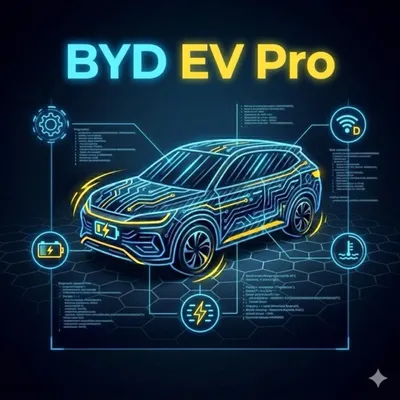
BYD EV Pro is an ecosystem made of separate parts. Keep them separate during setup and troubleshooting:

  • Car App: the app installed on the BYD DiLink head unit. It shows vehicle data, lets you control climate and access features, tracks trips and charging, and connects the rest of the ecosystem.
  • Companion App: the phone app that pairs to the Car App so you can monitor and control the vehicle remotely.
  • T-Box: optional hardware for proximity auto-lock/unlock, GPS tracking, and remote commands while the vehicle is off.
  • Home Assistant integration: a custom integration that receives live vehicle data from the Car App via webhook.

Latest stable releases

View all releases

Loading releases...

Works without T-Box:

  • Car App dashboard and local vehicle data while the DiLink head unit is running.
  • Car App climate/vehicle controls while the Car App has a live vehicle connection.
  • Companion App pairing by QR in car-only mode.
  • Home Assistant webhook pushes from the Car App while the Car App is running and can reach your Home Assistant webhook URL.

Requires T-Box:

  • Proximity auto-unlock/auto-lock.
  • T-Box GPS route data and T-Box state shown in apps.
  • Remote commands sent to the T-Box while the head unit is off or asleep.
  • T-Box firmware updates over BLE from the Car App.

Car App

Run BYD EV Pro on a BYD DiLink head unit after the public APK channel is confirmed. Start with the Car App setup guide.
Companion App

Pair a phone by scanning the QR shown by the Car App. Start with the pairing guide.

T-Box

Optional hardware/firmware for proximity, GPS, Cloud command handling, and diagnostics. Read the T-Box overview.

Home Assistant

Receive Car App telemetry through a Home Assistant webhook. Read the setup guide.

License

Trial, feature gates, grace period, and open licensing questions. See the license overview.

Releases

View stable BYD EV Pro, EV Pro Companion, and T-Box firmware notes on the releases page.